Let DNS providers compete
Ask Cloudflare, Google, and Quad9 together or with short, adaptive delays. MacDNS uses the first positive answer, so one slow provider does not have to hold up the lookup.
DNS filtering and routing for macOS
Block domains used by ads, trackers, and known threats with local blocklists. Choose which DNS providers handle your public lookups over encrypted connections.
Thanks for buying MacDNS.
Check your email for your license.
The same email includes your receipt. It can take a few minutes to arrive.
Try all features free for 21 days. No card required.
macOS 14+Intel + Apple silicon
DNS filtering happens on your Mac. Our servers do not receive your DNS queries. The app has no usage analytics. How we handle your data

MacDNS
Native DNS control for macOS
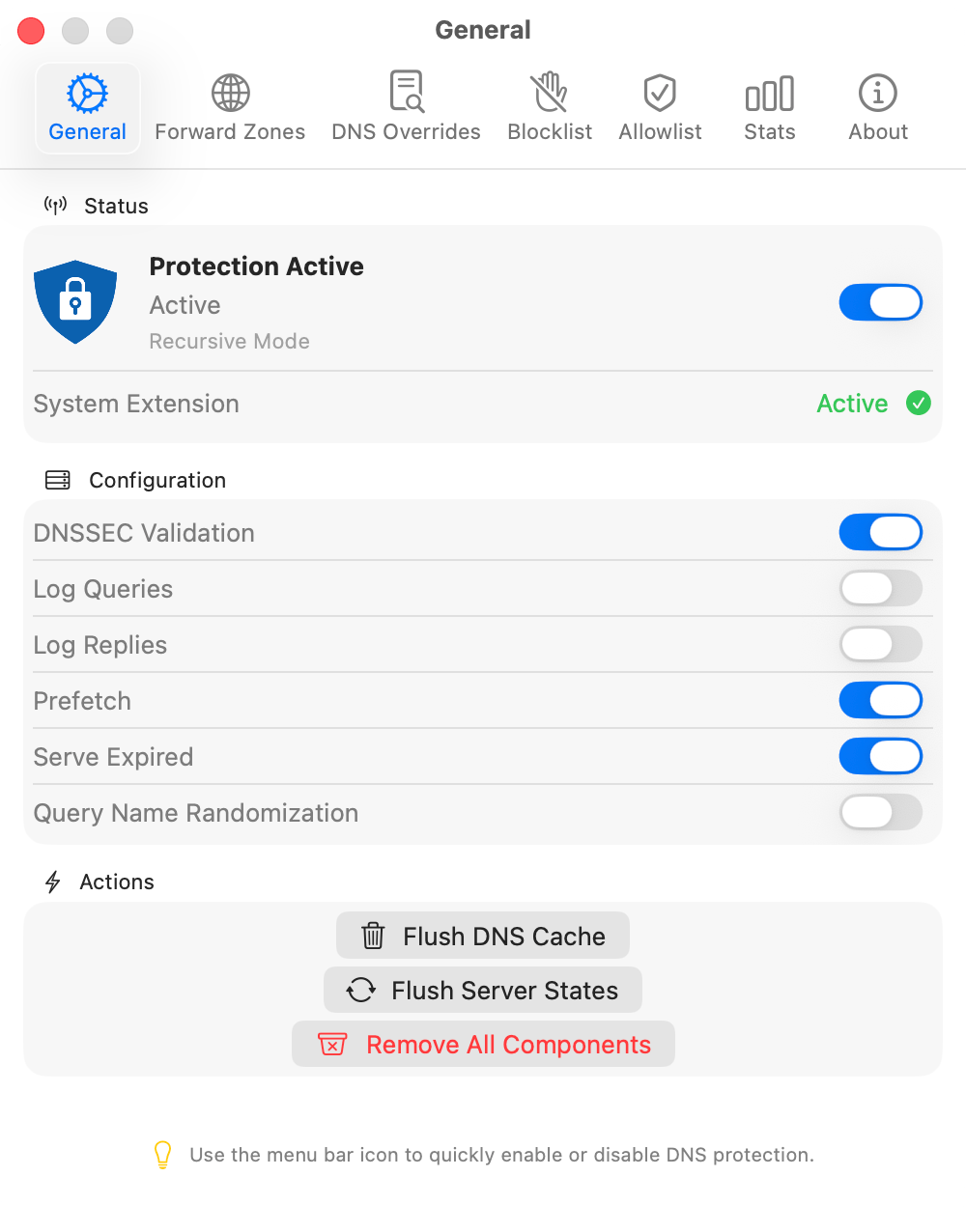
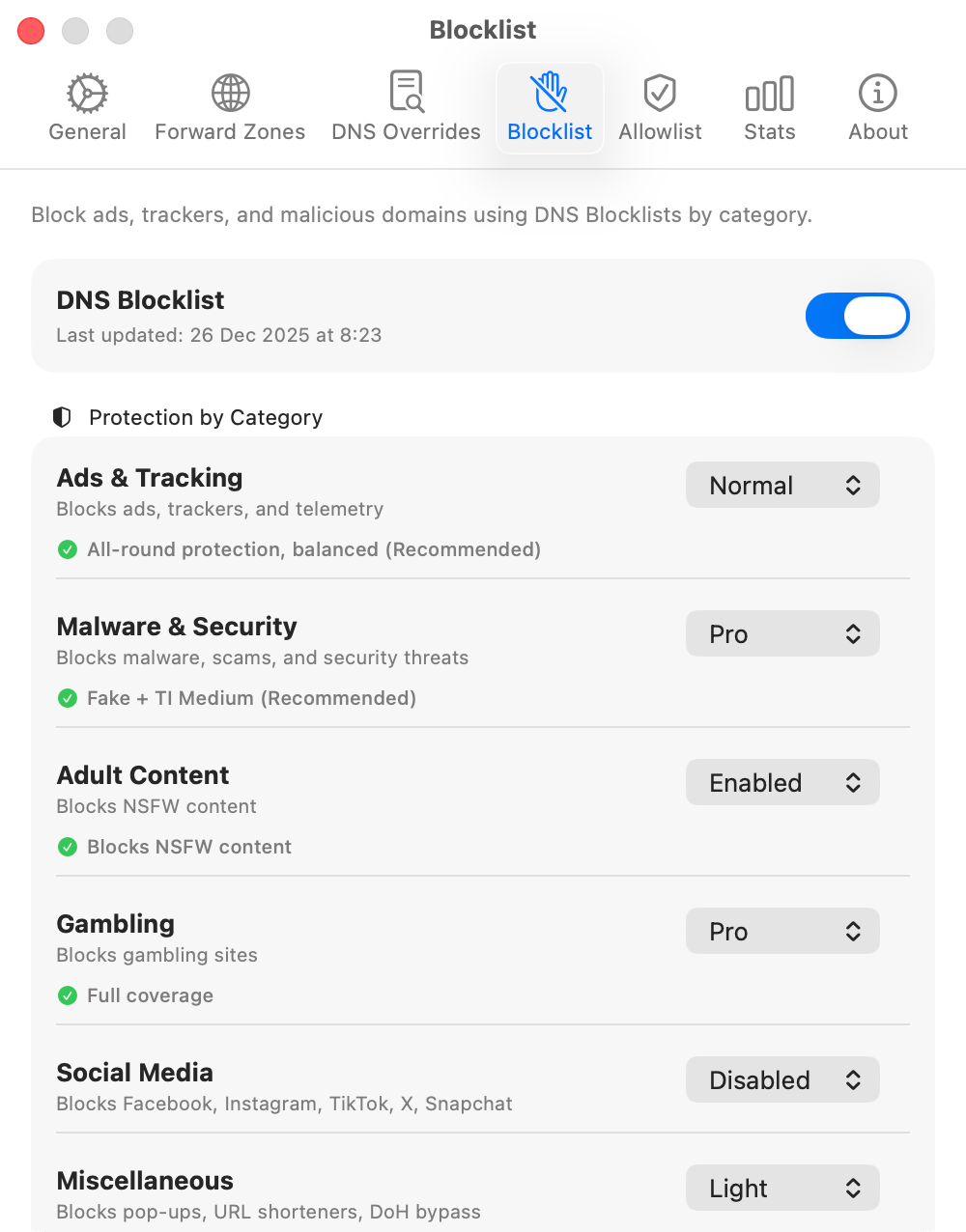
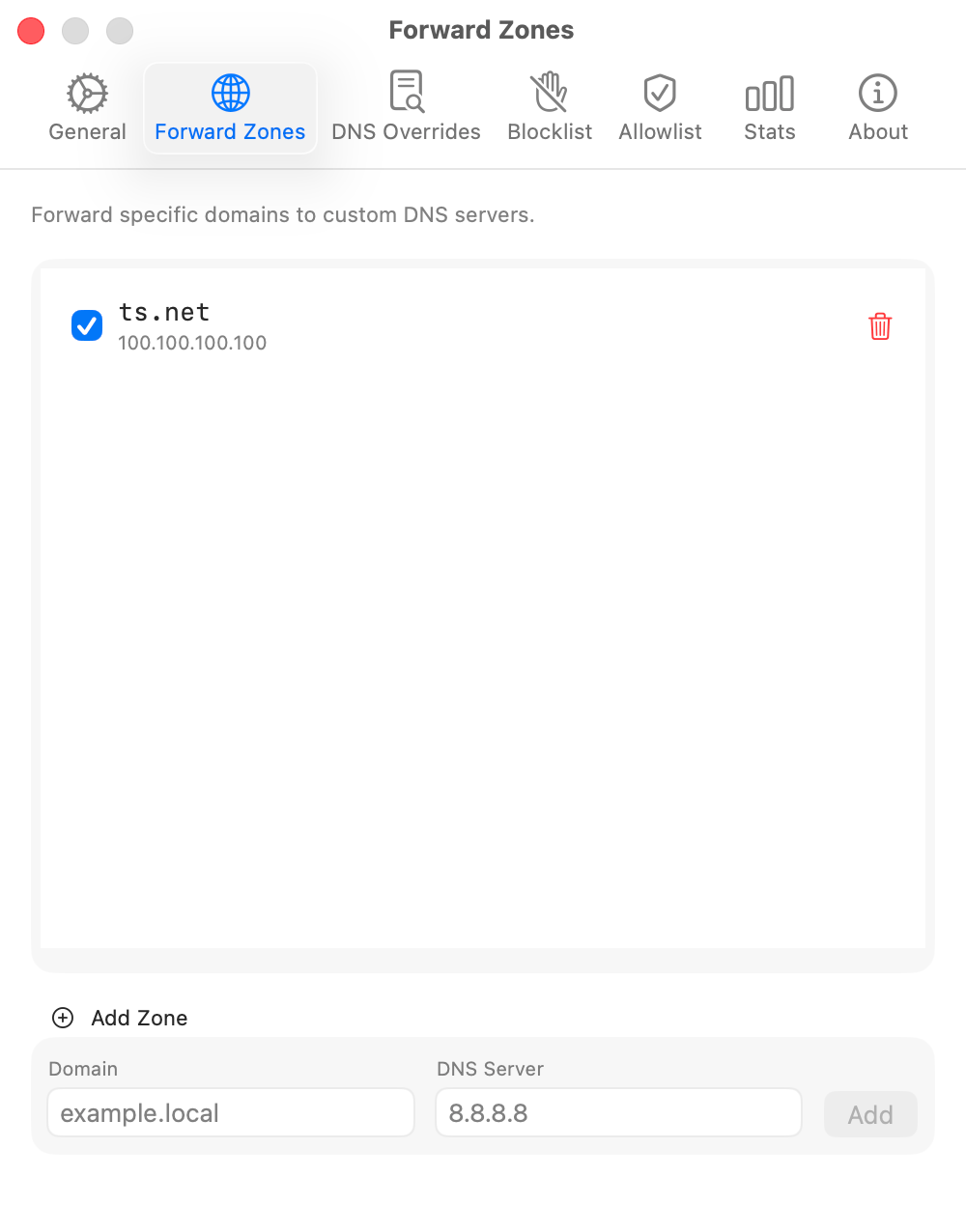
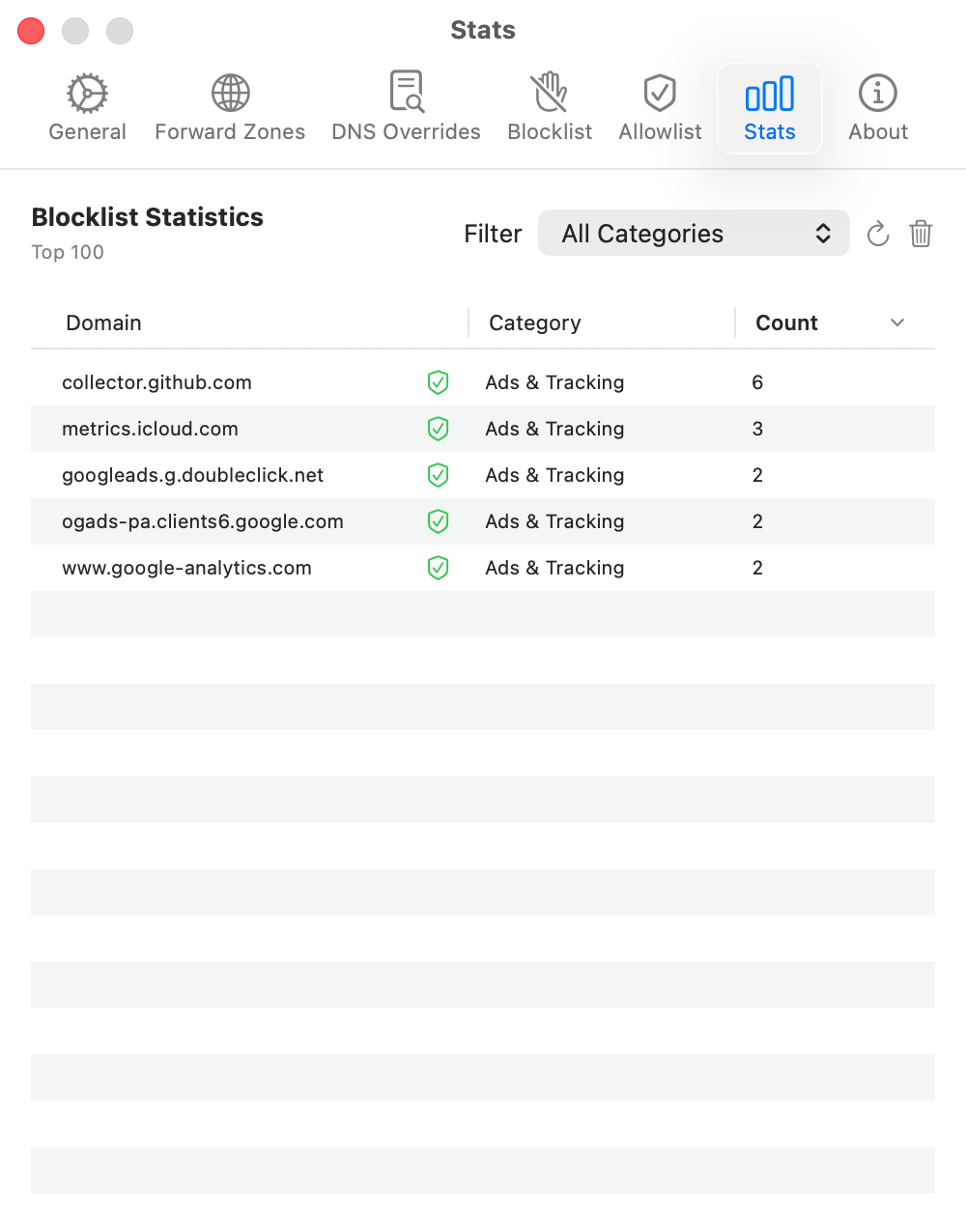
What it controls
DNS helps your Mac find websites and online services. MacDNS checks these requests against your blocking rules. You can also create local DNS records and choose where private domains are resolved.
Ask Cloudflare, Google, and Quad9 together or with short, adaptive delays. MacDNS uses the first positive answer, so one slow provider does not have to hold up the lookup.
Adjust blocking for ads and trackers, known threats, adult content, gambling, social media, and miscellaneous domains. Each category has its own setting.
Send internal domains to your own DNS server while public names use your selected providers. Configure private routes for your home lab or work network.
Reuse eligible DNS answers even after a restart. Prefetch refreshes recently used names near expiry. Serve Expired can fall back to an eligible cached answer when a fresh answer is delayed or unavailable.
Remove private-network addresses from public DNS answers while allowing configured forward zones and local overrides to return them.
See when DNS protection is active, when the app is waiting for its agent, or when a restart is needed. The status comes from the running components.
Multiple DNS providers
A slow DNS lookup can delay opening a site or connecting an app. With multiple providers enabled, MacDNS can ask them at the same time or start them milliseconds apart, then use the first positive answer.
Compare the query modesAnswer Refinement
DNS providers can return different server addresses for the same name. MacDNS compares their answers in the background. When they disagree, optional latency checks can select an answer for future cached lookups, without making the first reply wait for those checks.
How answer refinement worksMajor release
Choose your providers, keep eligible DNS answers across restarts, and check that protection is active. Version 2 adds these controls and builds the resolver into the MacDNS agent.
Read the full release notesThe MacDNS agent now loads its DNS resolver directly instead of starting a separate Unbound process.
Enable Cloudflare, Google, or Quad9 and choose parallel, staggered, or sequential dispatch.
Eligible answers survive restarts. Prefetch refreshes recently used names near expiry. Serve Expired can reuse an eligible cached answer when a fresh answer is delayed or unavailable.
MacDNS shows Protection Active only after its DNS component confirms that it is intercepting requests.
Request handling
Your rules determine whether MacDNS blocks a domain, answers locally, or asks a DNS server. Public lookups use your selected encrypted providers.
The macOS DNS proxy extension passes the request to the MacDNS resolver.
MacDNS checks overrides and blocklist decisions, including allowlist exceptions. It selects custom and supported private routes before public DNS.
MacDNS uses an eligible cached answer or the DNS-over-HTTPS providers and dispatch mode you selected.
Rebinding protection checks public answers. MacDNS keeps requested DNSSEC records and caches eligible responses.
Free trial
Every feature included. No account or card required. For macOS 14 or later.